Learner Description
Middle school students, high school students, college students, and adult learners who will use a mobile app on iPhone or iPad to help identify plants.
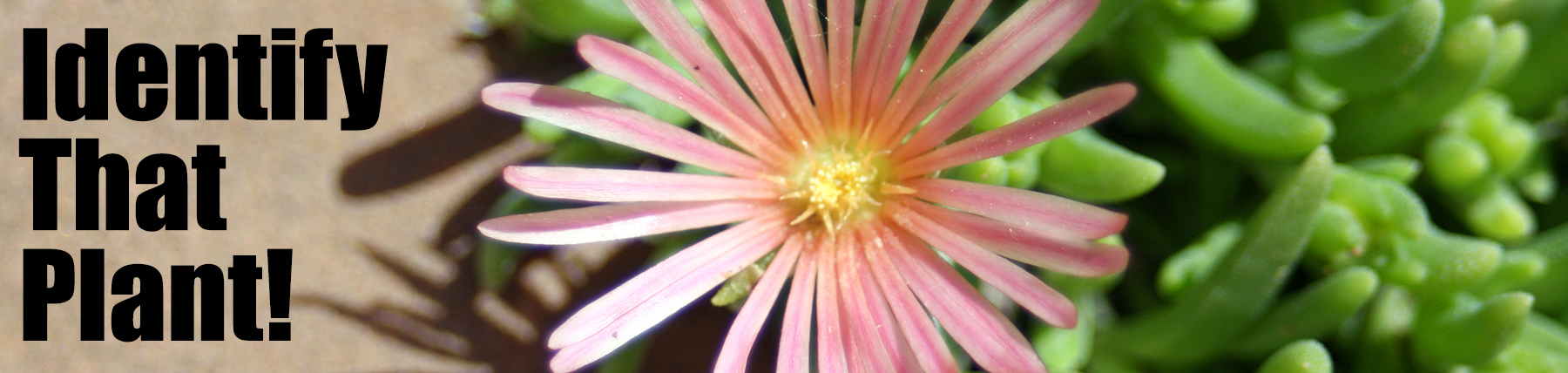
Banner photo “Ice Plant” by Patrick Standish licensed under CC BY 2.0; cropped from original.
Instructions
In this activity, you will use Google Maps to search for a park, landmark, hiking trail, etc. to visit, then you will use the Garden Answers Plant ID app to photograph and identify plants you find along the way, and finally you will use Google Maps again to upload an image of a plant with a caption.
If you have Restrictions enabled for installing apps on your iPhone or iPad, be sure to deactivate it before beginning this activity.
- Use Google Maps to search for a park, landmark, hiking trail, etc. near you.
- Visit the location and walk through the area, looking for plants and flowers that intrigue you.
- When you’ve located an intriguing plant or flower, use Garden Answers Plant ID to take a photo of your plant, and submit it to identify the plant you found.
- Use Google Maps to upload the photo of the plant to the red pin on the map for your Google Maps location.
- Once your photo has been approved, add a caption with the name of the location, and if you were able to identify the plant, add its name.
- Take a screen shot of your photo with its caption in the Google Maps app, and submit the image to the Google Folder for this assignment.