Social Networking and Community Building Lesson: Journalistic Article Blog Post
Introduction
In this lesson, students will participate in a VoiceThread presentation hosted by a guest journalist, search news sites for ideas for a current topic in the news today, locate an image to go with your topic idea, share and brainstorm ideas on Padlet with your peers, instructor, and the guest journalist, then write a journalistic article blog post in the course Weebly blog and exchange feedback with your peers, instructor, and the guest journalist.
Learning Objectives
- Write a 1500-word journalistic article blog post.
- Apply conventions of accurate English language sentence, paragraph, and essay structure.
- Apply appropriate writing methods for clarity in written text.
- Select an image to accompany journalistic writing.
- Collaborate with peers and experts in journalistic writing.
Materials
- Computer with Internet access
- Access to VoiceThread presentation: Journalistic Writing
- Access to Padlet board: Journalistic Writing
- Access to Weebly blog: Journalistic Writing
Learning Activities
- Watch the VoiceThread presentation created by your instructor and hosted by the guest journalist. Post at least one question for the journalist. Read / watch questions posted by your classmates, and the responses from the journalist.
- Search news sources (BBC, CNN, NPR, MSNBC, Al Jazeera, etc., or other sources of your choice) for ideas for the topic of your journalistic article blog post about current issues in the news today.
- Locate an image, free of copyright restriction, to go with your idea (for example, on Creative Commons, click “Use & Remix,” enter search terms in the “Search the Commons” box, then choose one of the image source sites; for example, Flickr, then check the rights link on resulting images to be sure you are allowed to use the image).
- Share both your topic idea and your image on the course Padlet board. (Be sure to use an image that doesn’t have copyright restrictions, and if you don’t own the rights to the image, be sure to credit the rightsholder, including a link to their page or image page if necessary.) Once everyone in the class has posted their ideas, brainstorm the topic ideas with the class, instructor, and journalist providing feedback and suggestions. Provide feedback on the Padlet board for at least two of your peers’ topic ideas. See the example on the Padlet board to get started.
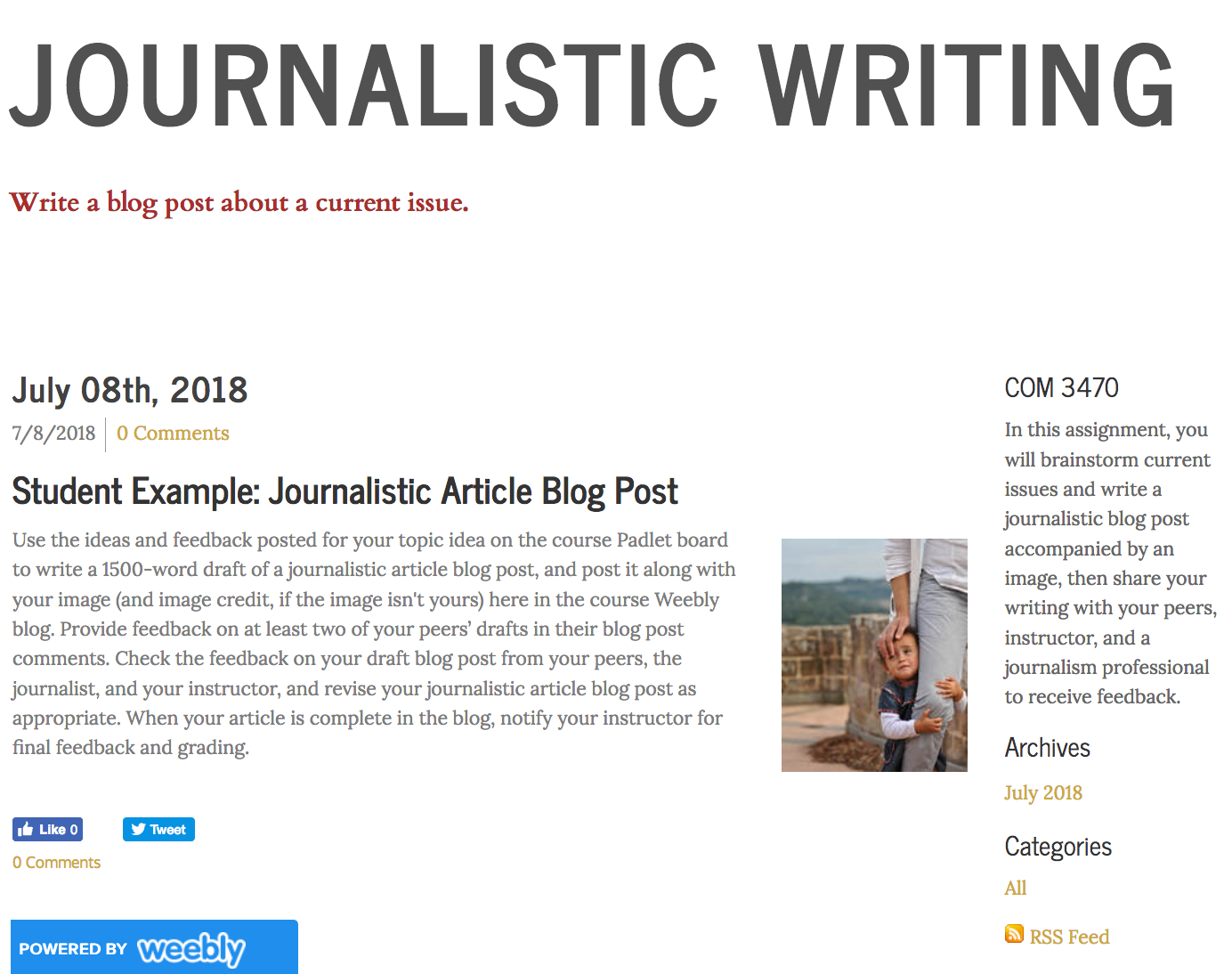
- Use the ideas and feedback posted for your topic idea on the course Padlet board to write a 1500-word draft of a journalistic article blog post, and post it along with your image (and image credit, if the image isn't yours) in the course Weebly blog. Provide feedback on at least two of your peers’ drafts in their blog post comments. Check the feedback on your draft blog post from your peers, the journalist, and your instructor, and revise your journalistic article blog post as appropriate. When your article is complete in the blog, notify your instructor for final feedback and grading.

Resources
- Kennedy, D. (2014). Blog Like a Journalist. Retrieved from https://medium.com/@dankennedy_nu/blog-like-a-journalist-8a4acac100c0